Working with columns
Columns are the spine of a map. They’re the stages the chain runs through, left to right. Most styling decisions you make for a column become defaults for the boxes inside it, which keeps the map consistent without micromanaging every box.
Adding and removing columns
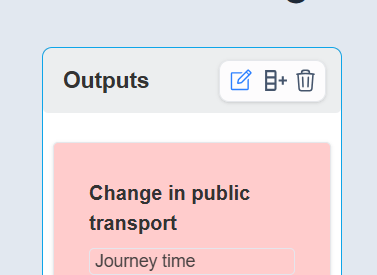
Hover the header of an existing column to reveal the column controls. From there you can add a new column to the right of the one you’re hovering, or delete the current column. There’s no “add to the left’’ action; if you need a column at the start, add it to the right of the leftmost column and rearrange. (You can also create columns at the very right of the map from the toolbar.)
Naming and styling the column itself
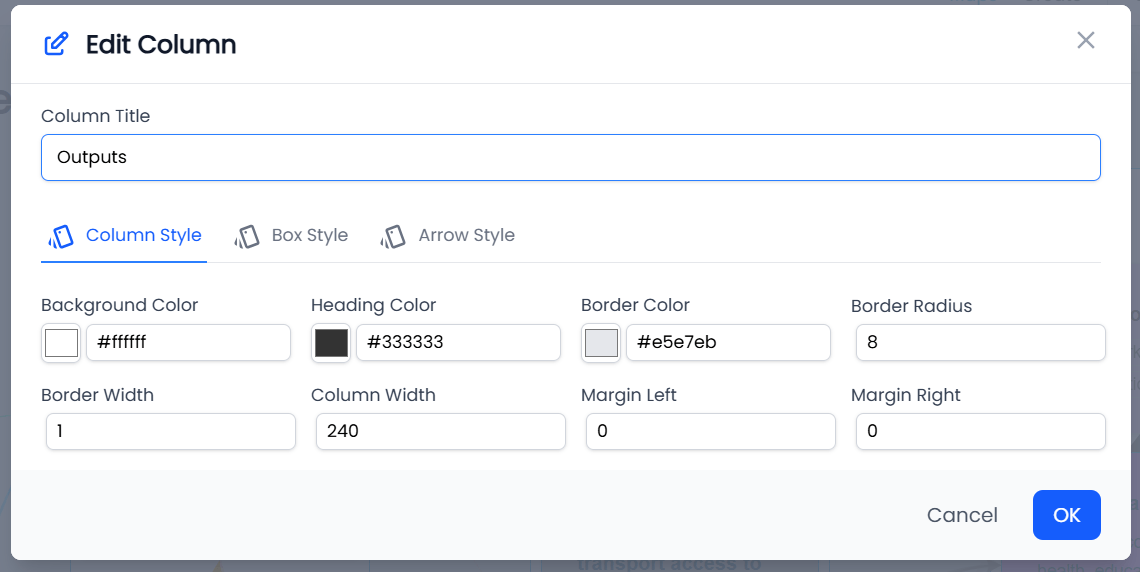
Click the column name to edit it. The column settings panel then lets you change a few things that only affect the column header:
- Column name text colour — the colour of the header text.
- Column background colour — the fill behind the header. We recommend leaving this alone for most maps; too many tinted columns gets noisy fast.
- Column width — useful when a column carries long-form text and you want to stop it making the whole map disproportionately tall. The minimum width is 240px.
Defaults that cascade to the boxes
The interesting part. The column settings let you set defaults that every box in that column inherits, unless the box overrides them:
- Default box colour — the fill behind each box in the column.
- Default text colour — the colour of the box title text.
- Default box spacing — the top and bottom padding around each box, used to space out a column with few boxes so it matches the height of a column with many.
Set these once at the column level and most of your styling work is done. Use the per-box overrides only when you genuinely need a box to stand out.
Reordering columns
Columns can be reordered from the column header. Be aware that arrows already drawn between boxes follow the boxes, not the column position; reordering won’t break your logic, but it can make existing arrows cross more dramatically. After a reorder, scan the map and tidy any arrows that now run very long.